Spiralens: golden ratio camera for Android

Most phone camera grids draw a few lines and leave the rest to you. People who never learned composition look at a rule of thirds grid and still don't know what to do with it. Spiralens is a golden ratio camera for Android that turns framing into one small move at a time.
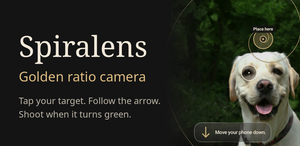
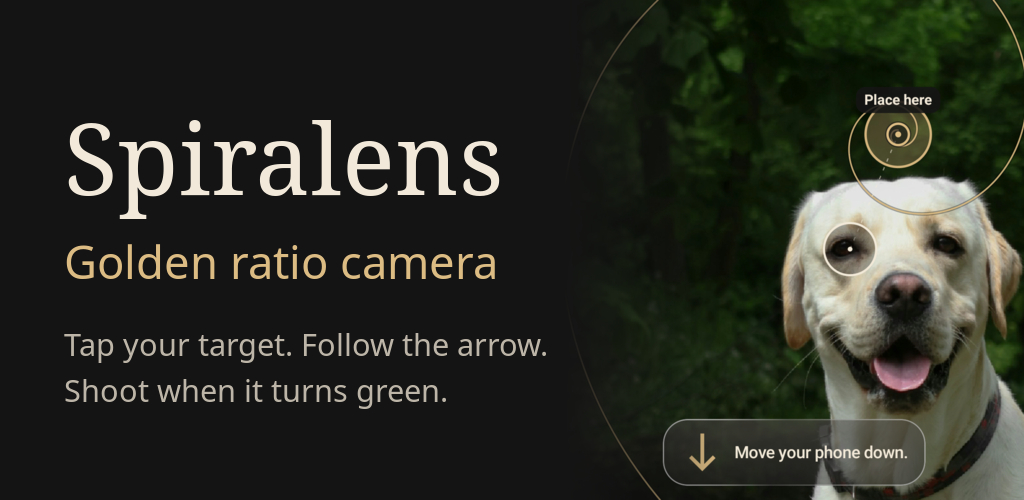
How it works: tap what you want to photograph, or pick one of the targets the app suggests. An arrow shows which way to move the phone, and the app keeps track of your target while you move. When the ring turns green, your target sits on the golden ratio point and the camera angle suits it. You can take the photo at any moment; green is a guide, not a rule.
Composition guides: golden spiral overlay, golden ratio (phi) grid, rule of thirds, symmetry and a level horizon, plus presets for portraits, groups, pets, food, products, landscapes, architecture and close-ups. In portraits it finds the eye nearest the camera and leaves room on the side the person is looking.
After the shot you can crop the photo so the target lands on the guide, straighten it, blur the background, or apply looks and automatic light editing. It also works on photos already in your gallery.
Face detection, target suggestions and every edit run on the phone. There is no account and no photo upload.
The free version keeps the coach, every composition guide, auto capture and the Person and Landscape scenes, with ads and a watermark on saved photos. Spiralens Pro (yearly, monthly or lifetime) removes both and opens all 9 scenes, background blur, long exposure and editing styles. The app is available in 10 languages. An iPhone version is in App Store review.
What I want to learn from this community: does the arrow make sense the first time you open the camera, or do you need the tour?