Image to Prompt

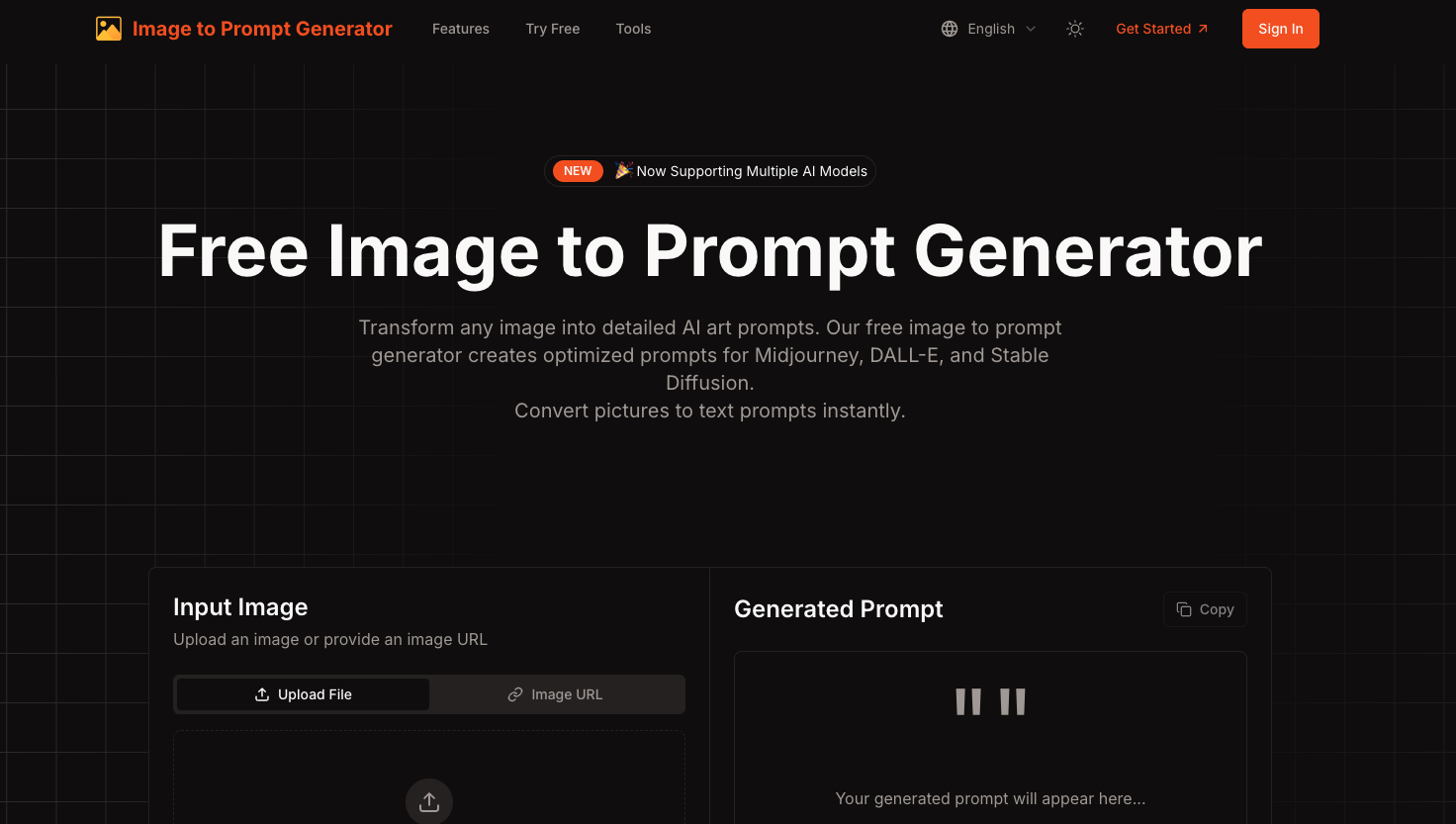
Designed for creators, prompt engineers, and AI tinkerers, Image to Prompt Generator uses advanced image analysis to extract key visual elements—such as composition, style, color palette, and lighting—and turns them into optimized prompts tailored for your selected AI model. Supports multiple models, batch conversion, prompt history, and export formats.
✅ Step 1: Upload Your Image
Choose an image from your device or paste an image URL. This will be the reference for generating your prompt.
✅ Step 2: Choose Your Output Language
Select the language you want your prompt to be in (e.g., English, Spanish, etc.).
✅ Step 3: Select an AI Model
Pick which platform you want the prompt optimized for—Midjourney, DALL·E, Stable Diffusion, or Flux.
✅ Step 4: Generate the Prompt
Click the “Generate Prompt” button. Our AI will analyze your image and create a detailed prompt in seconds.
✅ Step 5: Copy and Use
Copy your prompt with one click and paste it into your preferred AI art platform to start generating.