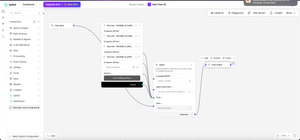
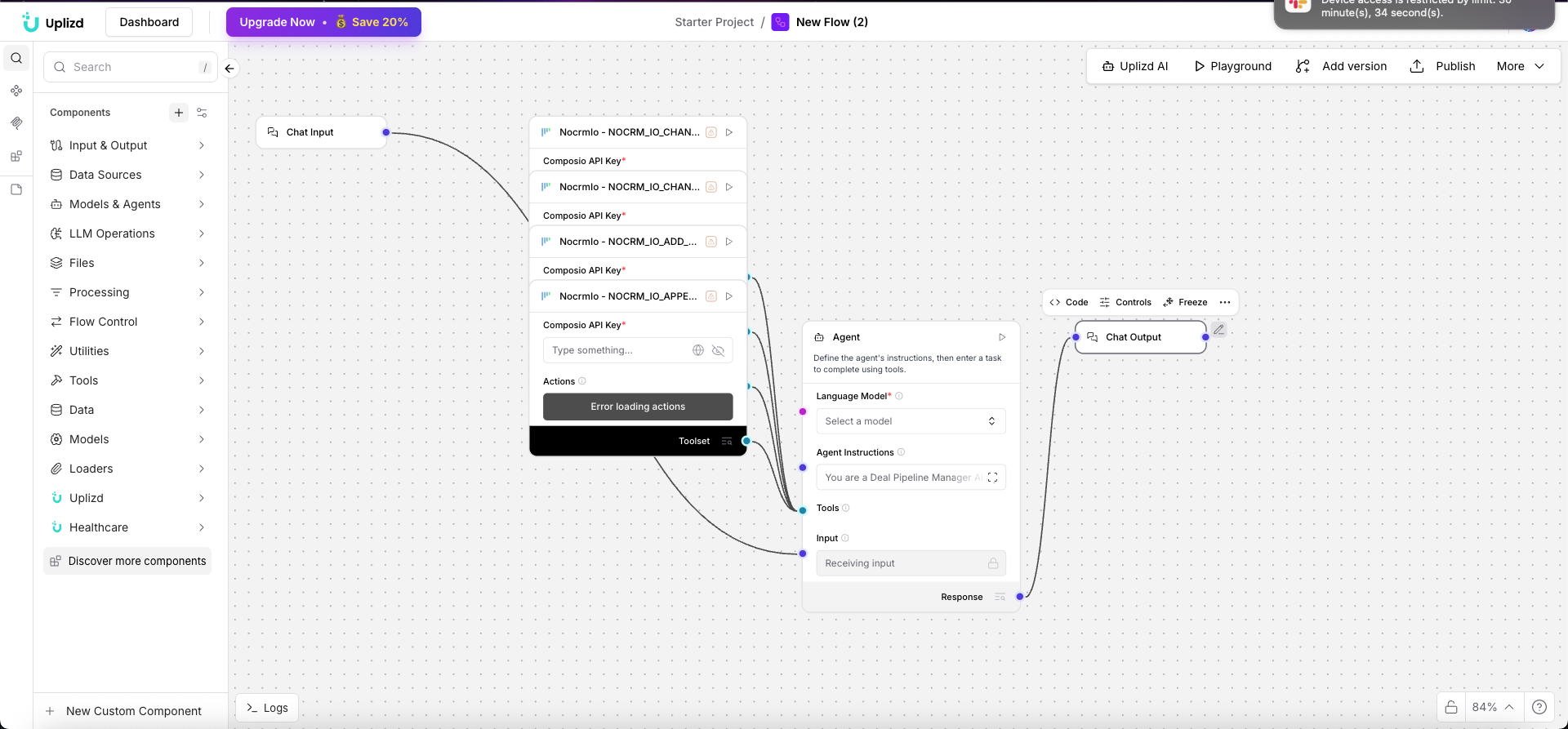
Deal Pipeline Manager (Uplizd) - Automatically Update Progress & Follow-ups

Automate your sales pipeline so deals don’t quietly stall.
I’ve been working on a workflow called the Deal Pipeline Manager on Uplizd. The idea is simple: instead of manually updating deal stages and remembering follow-ups, the system handles it for you.
It watches your pipeline, moves deals forward based on activity, and creates the next task when it matters. No more guessing what to do next or forgetting to follow up.
Who this is useful for:
* Sales managers who want a clear view of pipeline health
* Account executives who are tired of updating CRM fields
* CRM admins who need consistent processes
* Founders who just want to focus on closing
What it actually does:
* Updates deal stages automatically based on real actions
* Creates follow-up tasks like check-ins or thank-you messages
* Flags deals that have gone quiet
* Syncs with tools like Salesforce, HubSpot, and Pipedrive
* Lets you customize stages, priorities, and logic
A few practical examples:
* Move a deal to “Proposal Sent” when a document is delivered
* Create a follow-up task a few days after a demo
* Highlight deals with no activity in the last 48 hours
* Alert when high-value deals reach critical stages
Getting started is straightforward:
Import the flow, connect your CRM, and start interacting with it like:
“What should I do next for this deal?”
“Which deals are stuck?”
“Update this deal to negotiation”
The main goal is to remove the busywork from pipeline management so the team can focus on actual selling.
If that’s a problem you’re dealing with, you can try it here:
https://uplizd.ai/solutions/0b7bdce2-561f-5bff-8c70-562b1b0ed531