Audio Cable

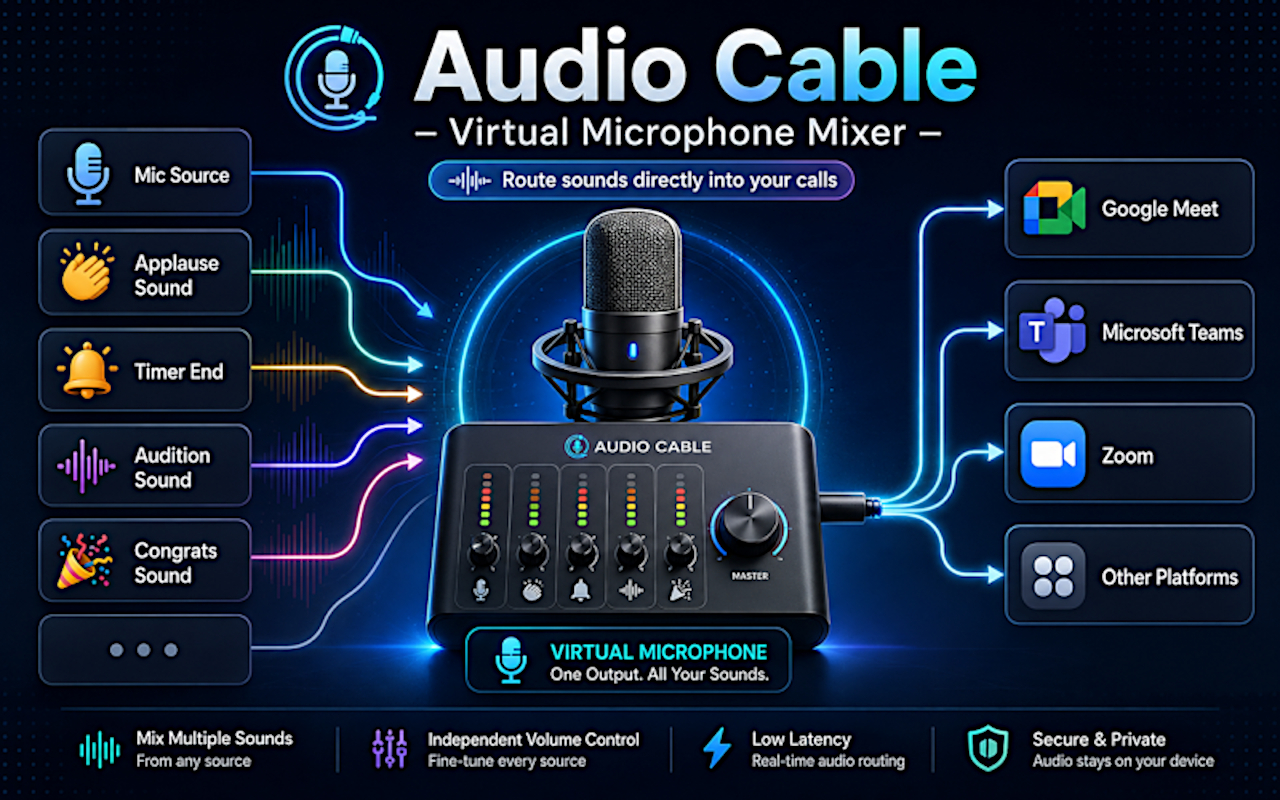
Audio Cable turns your browser into a real-time virtual microphone mixer.
It creates Audio Cable Virtual Mic, a selectable microphone input that works inside web-based communication tools such as Google Meet, Zoom, Discord, Microsoft Teams, Whereby, and other apps that use your browser microphone.
Once selected, the virtual mic sends a live mix of your real microphone and any audio clips you choose to play. You can trigger sound effects, intros, transitions, background ambience, music clips, pre-recorded speech, lesson audio, or any other local audio file directly into your call — without installing desktop software, drivers, or a separate virtual audio cable app.
Audio Cable is designed to work locally.
- Audio processing happens inside your browser
- Uploaded audio files are stored locally in browser storage
- No audio files are uploaded to external servers
- No cloud account is required
- Microphone permission is required so the extension can access and mix your selected microphone
Tech stack: Typescript, Vue, WASM, Audio Effects SDK.