AI Webcam Effects

This Chrome extension improves camera quality, adds 15+ visual effects and filters and allows screen or live video recording.
🚀 Main features:
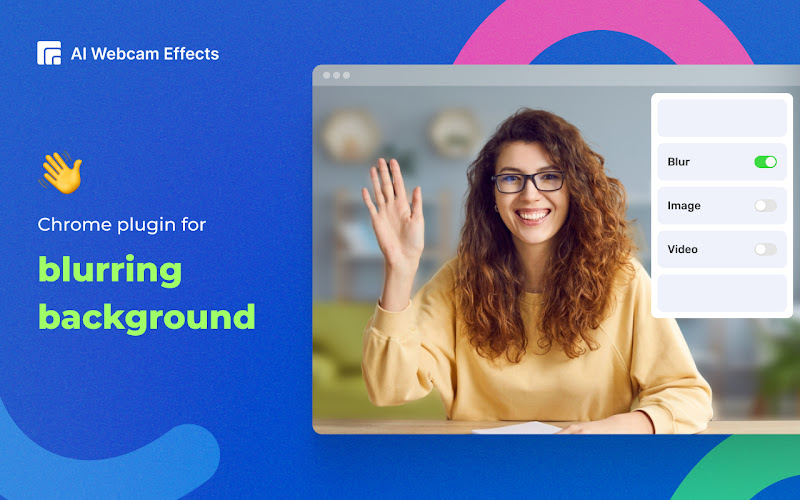
- Virtual background (image/video/custom background) or blur background
- Beauty Filter (face filter to touch up appearance, smooth skin and reduce imperfections)
- Light Correction (removes noise, improves brightness, contrast and color balance)
- AI Video Enhancer (makes image sharp and clear, colors more vibrant)
- Image or video overlay, Сustom watermark (logo), Titles (aka Lower Thirds) to personalize and brand your video
- Picture-in-Picture Mode, Smart zoom (aka Center Stage), Emojis and Gifs (to empower online presentations)
- Cinematic video filters and professional color correction
- Record webcam video or screen
🎯 Popular use cases:
- video calls and meetings on popular platforms like Google Meet, Zoom, Microsoft Teams, Skype.
- live streaming or creating content for YouTube, Instagram, TikTok, Facebook, Twitch and other platforms using a browser.
- video dating and chatting.
Using AI Webcam Effects can improve your experience by providing better quality of the platform’s built-in effects and by adding a variety of new features. Set up effects once and make sure you have perfect visual presence on any platform.
Tech stack: Typescript, Vue, WASM, Video Effects SDK.