Print Markdown File & online tool

How to print a Markdown file with beautify layout?
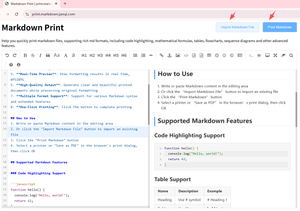
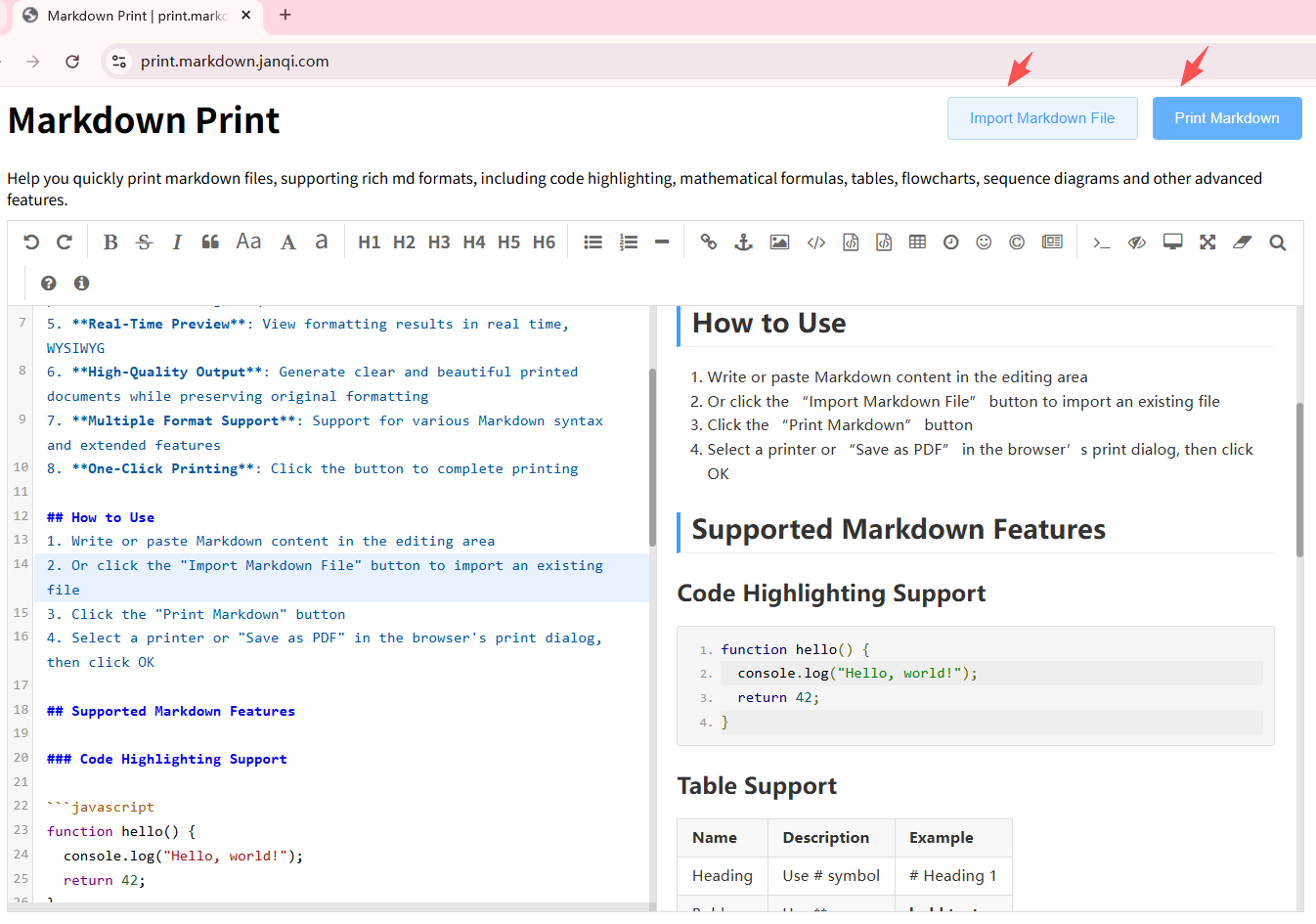
1. Visit https://print.markdown.janqi.com
2. Click the "Import Markdown File" button to import a file. Drag and drop files are also supported. You can also type or paste Markdown content.
3. Click the "Print Markdown" button.
4. Select a printer from the popup printer list, then click OK to start printing!